← Back to Blog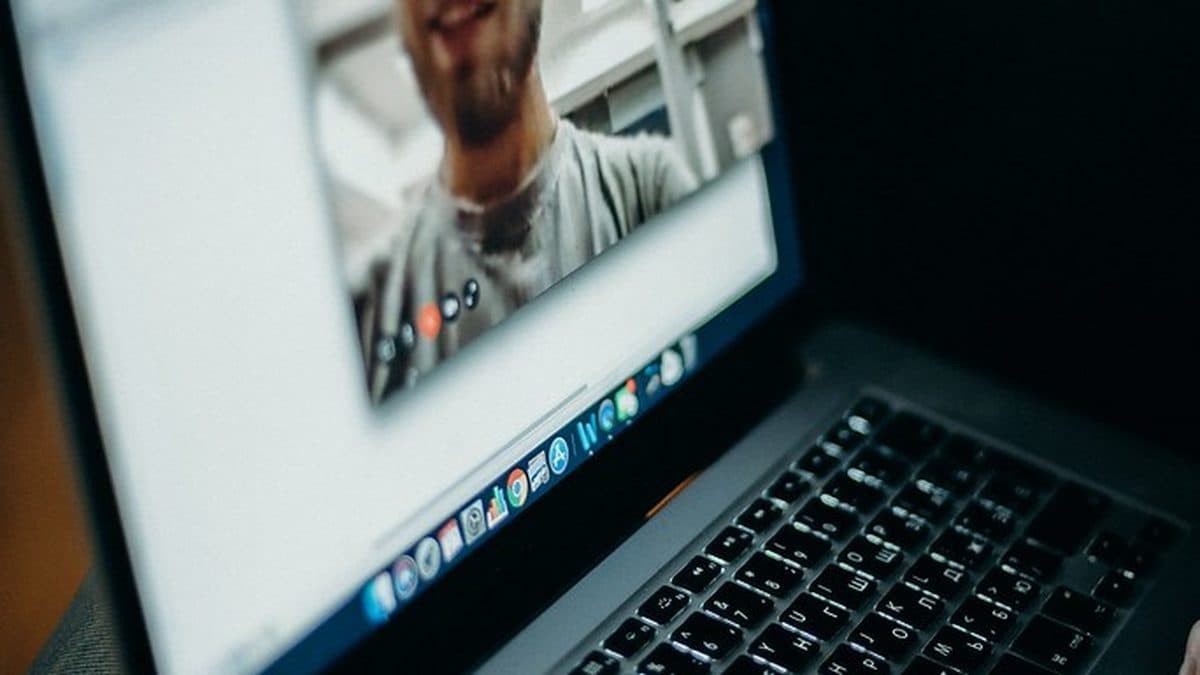
 Browse Questions Free
By Kareera Team · July 27, 2026 · 6 min read
Video Interview Etiquette: What Filipino Candidates Get Wrong on Zoom
Landing a job interview in today's market often means facing a webcam instead of a person across a desk. For Filipino job seekers, online interviews have become the norm, especially as remote work and BPO opportunities continue to grow. But while you might have your resume and answers ready, many candidates walk into a Zoom call completely unprepared for the visual, audio, and energy demands of a video interview. Small missteps that wouldn't matter in person, like a cluttered background or a frozen screen, can make you look unprofessional within seconds. The good news is that these pitfalls are easy to fix once you know what to look for. Let's walk through the most common mistakes Filipino candidates make on video interviews and how to avoid them.
Technical Setup Blunders That Instantly Undermine Your Credibility
The first few minutes of any video call are often spent troubleshooting. Don't let that be your first impression. One of the biggest mistakes is failing to test your setup well in advance. It is not enough to open your laptop five minutes before the interview and hope everything works. Check your computer, webcam, microphone, and earphones or headset at least a day before. Make sure the actual software whether it's Zoom, Google Meet, or Microsoft Teams is installed, updated, and functioning correctly. There is nothing more stressful than watching a progress bar for a forced update just as you are about to join the call.
Internet stability is another pain point, and it is a well-documented risk for candidates here in the Philippines. Our local internet can be unpredictable, and an unstable connection interrupts the conversation, creating awkward pauses that make even the most qualified candidate look unprepared. Philippine-specific career advice consistently recommends prioritizing a wired ethernet connection whenever possible. If that's not an option, sit as close to your router as possible and ask others in your household to avoid heavy downloads or streaming during your interview. Always have a backup plan: keep a mobile hotspot ready on your phone, along with a spare pair of headphones. If your call does drop, do not panic. Rejoin immediately, offer a brief apology, and continue confidently. Over-apologizing or looking flustered only draws more attention to the problem. And if your audio fails without cutting the video entirely, use the chat function to alert your interviewer discreetly, or switch to a different device if you have one standing by.
Lighting, Background, and Dressing for the Camera
Recruiters often watch a dozen or more video interviews back-to-back. In that context, candidates who look and sound clear and professional have an unconscious advantage. Bad lighting and a messy background can sink your chances before you even open your mouth. A common mistake is sitting with a strong light source, like a window, directly behind you. This darkens your face into a silhouette and makes it impossible for interviewers to read your expressions. Instead, face a window or place a soft desk lamp in front of you so your face is evenly lit. You don't need fancy equipment; natural front-facing light works beautifully during daytime hours.
Equally important is what the camera shows behind you. A cluttered bedroom, a noisy coffee shop, or a public space sends a message of carelessness. Even seemingly harmless distractions like a TV playing in another room, a family member walking past, or a pet jumping onto your lap can disrupt the interviewer's focus. Philippine sources are clear on this: never conduct a video interview from a coffee shop, restaurant, public transit, or a visibly untidy bedroom. Choose a quiet room with a door you can close. Let your household know your schedule, silence your phone, and turn off any notification sounds on your computer. A tidy, neutral background not only looks professional but also keeps the attention on what you are saying.
Dressing for a video interview goes beyond throwing on a collared top while staying in your pajama bottoms. Yes, the camera typically only shows your upper half, but recruiters are increasingly asking candidates to stand up unexpectedly, for example to check that there is nothing distracting below the frame. Philippine-specific advice strongly recommends full head-to-toe professional attire, just as you would for an in-person meeting. Stick to solid colors; busy patterns and stripes can create weird visual effects on camera. Avoid sleeveless tops, hoodies, graphic prints, and anything that reads as lounge or sleepwear, even if the role is in a casual BPO setting. Dressing completely signals that you take the opportunity seriously.
Body Language and Camera Presence: Looking Engaged Through a Lens
Preparing for an interview?
Get free access to 1000+ interview questions across top companies and roles.
In a face-to-face meeting, your physical energy naturally fills the room. Over video, much of that energy gets lost unless you actively project it. One of the most frequent body language slip-ups is looking at your own video preview instead of the camera lens. To the person on the other end, this reads as broken eye contact, making you appear shy or disinterested. Filipino career coaches often say: look at the camera, not at yourself. It might feel unnatural at first, but it makes a huge difference in how engaged you seem.
Posture is another quick giveaway. Slouching or leaning too far back can make you look bored, while leaning in too close to the screen can come off as intense. Sit up straight with your shoulders back, and keep your camera at eye level so you aren't looking up or down. Use natural nods and facial reactions to show you are following along, because the small cues that signal active listening in person don't always translate through a small video window. However, be mindful of hand gestures. While some movement is fine, excessive or wide gestures can look jarring on camera. Keep hand motions minimal and close to your body.
Communication Pitfalls: Why Filipino Candidates Sound Too Stiff
Perhaps the most culturally specific mistake Filipino candidates make is adopting an overly formal, textbook English style when answering interview questions. Local sources note that this pattern often stems from English-medium education, pushing many to treat the interview like a written business letter rather than a natural conversation. You end up sounding like you are reciting memorized corporate phrases instead of connecting as a real person. The fix is simple: speak clearly and professionally, but let your personality through. Use a conversational tone similar to how you would talk to a respected colleague, not a rehearsed speech.
Nerves can also cause candidates to rush their words. Speaking too quickly is even more damaging on video than in person, because slight audio lag and compression can garble your sentences. Train yourself to pause briefly before answering complex questions. This not only helps the interviewer follow your thoughts but also gives you a moment to collect yours. Another telltale sign of a scripted answer is visible eye movement as you read from notes or a second screen. Interviewers can almost always spot this, and it undercuts your authenticity. If you must refer to bullet points, keep them off-camera and glance down only occasionally, maintaining eye contact with the lens as much as possible.
Navigating One-Way Video Interviews: The Recorded Challenge
A growing number of employers, particularly in the outsourcing and remote work sector, are using one-way or asynchronous video interviews where you record yourself answering set prompts. This format removes the live back-and-forth, and that changes the rules. Since there is no interviewer to react to, your pacing, energy, and eye contact matter even more. A flat, monotone delivery that might be forgiven in a live conversation becomes painfully obvious in a recorded clip. When filming, imagine speaking to a single person just beyond the camera. Smile when appropriate, vary your vocal tone, and keep your answers concise yet warm. Practice a few recordings to see how you come across. Remember, in a one-way interview, you only get one chance to make your impression stick.
Many Filipino candidates underestimate how much preparation goes into a successful video interview. It is not just about having the right answers, it is about controlling your environment, your appearance, and your delivery so that nothing distracts from your qualifications. Test your tech early, secure a stable connection, light your face well, and speak like a human being, not a corporate memo. These small adjustments can mean the difference between a rejection and a job offer.
FAQs
What should I do if my internet disconnects during a video interview?
Rejoin the call as quickly as possible, apologize briefly, and continue confidently. Avoid over-apologizing or panicking. It's also wise to have a backup plan ready, like a mobile hotspot or a secondary device, so you can reconnect smoothly.
Is it acceptable to read from a script or use notes during a video interview?
No. Interviewers can usually tell when you're reading from a screen or notes because your eyes move side to side. This makes you look inauthentic and overly rehearsed. Instead, prepare bullet points but rely on natural conversation.
How should I dress for a video interview in the Philippines?
Dress in full professional attire from head to toe, even if the camera only shows your upper half. Choose solid colors over patterns, and avoid casual items like hoodies, sleeveless tops, or graphic prints. Recruiters sometimes ask candidates to stand up, so be prepared.
How can I improve my video interview lighting without buying equipment?
Position yourself facing a window to take advantage of natural light. If that's not possible, a simple desk lamp with a soft shade placed in front of you can illuminate your face evenly. Avoid having a bright light source behind you, which creates a silhouette.